

Introduction
Before starting our first group project, I wanted to get a head start since I already knew we would need some basic things like buttons and text etc.
Fun fact: before we had a name for our studio, Stellar was just called “UI Base”
I wrote the code in a way that’s modular and fully separated from the game so we would be able to reuse it later.
Little by little, I added more things to it, eventually ported it to C++ for our other games and the group started calling it the “Stellar Engine”.
(I see it more as a framework rather than an engine but they thought it sounded cooler.)
Games
This was the framework used in 3 of our school game projects:
-
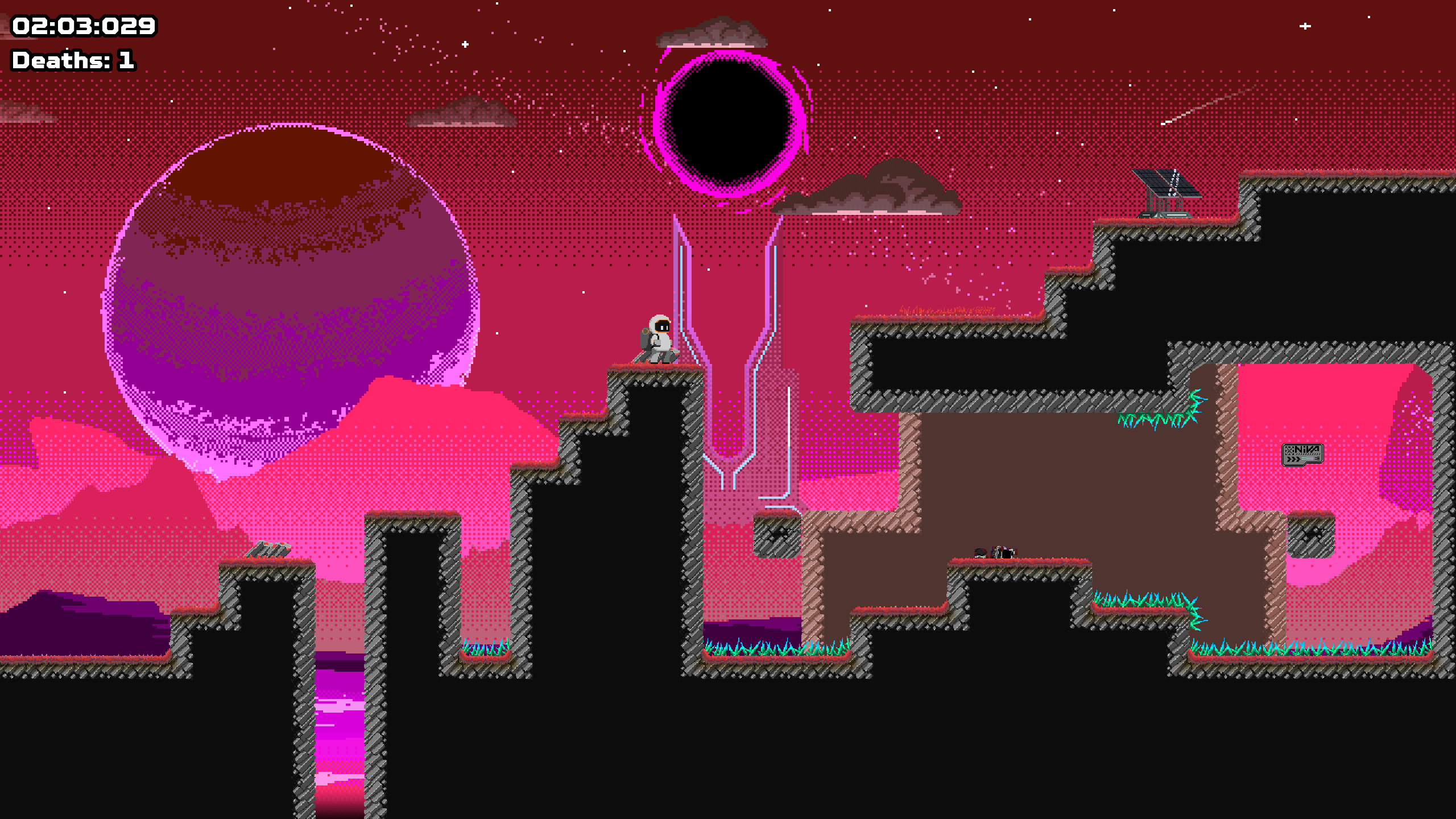
Niva: 2D die-and-retry platformer
-
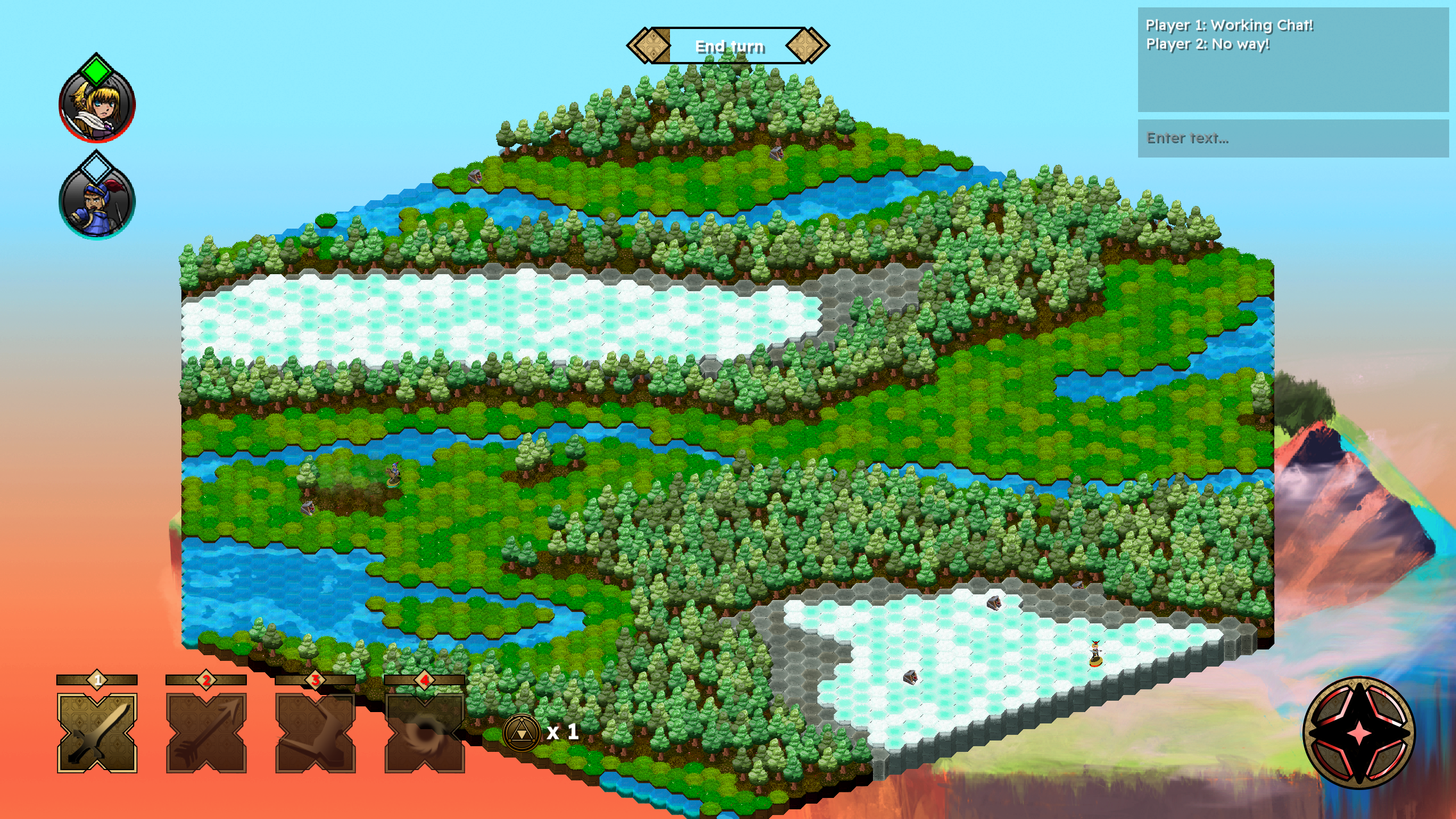
Hexatak: Online Multiplayer isometric board game (up to 4 players)
-
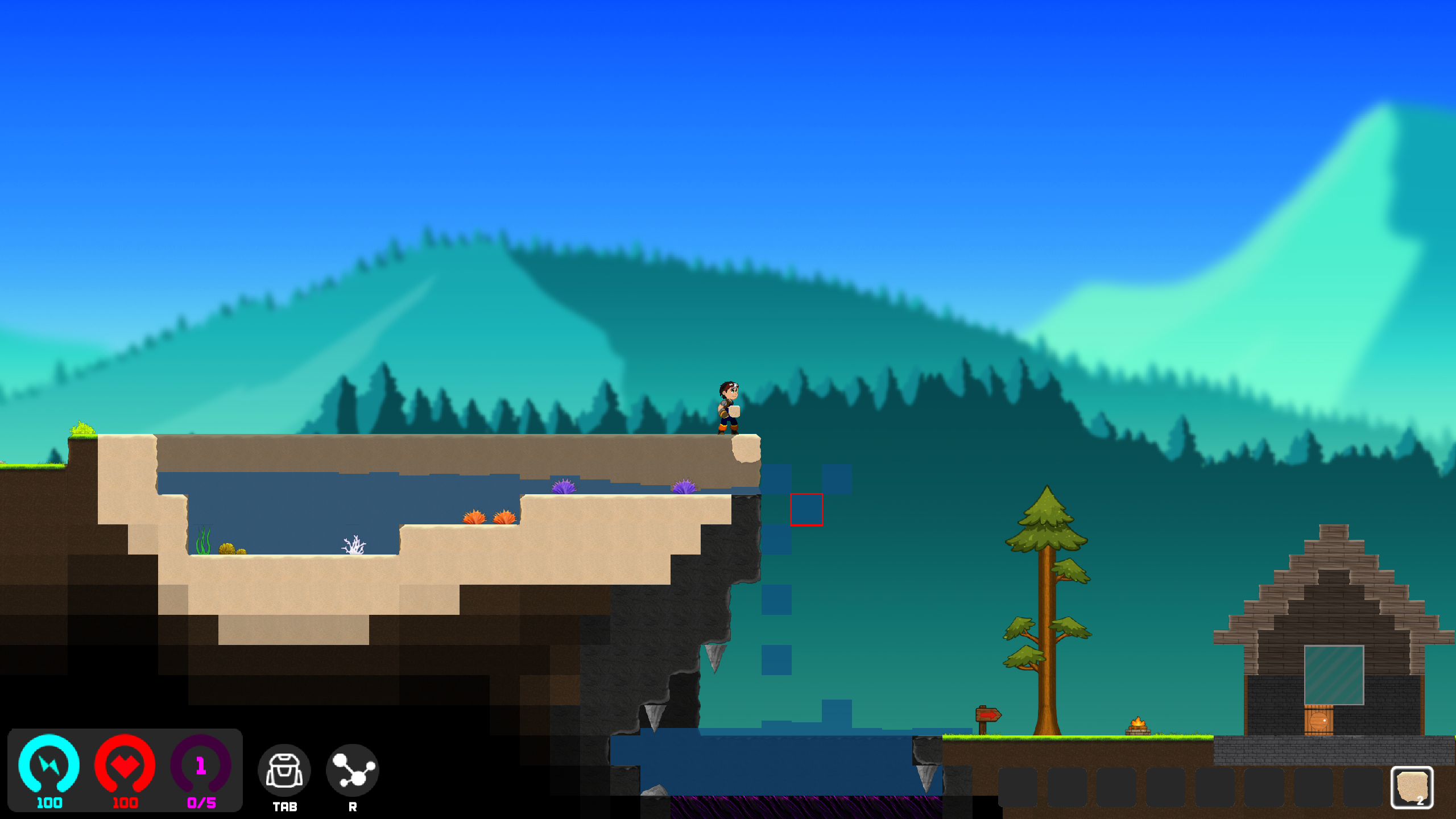
Godbreak: Terraria-like 2D sandbox survival game
Content
As of right now, the framework contains:
- GameStates
- Switch between GameStates at runtime (similar to switching scenes in Unity for example).
- You can also load them async too! This can allow you to have a loading screen.
- ImGui Debug tools to debug global or GameState specific code.
- Controller support for generic XInput controllers, PS4 and PS5 controllers.
- Globally accessible Game Settings and can be read/written from anywhere in your code.
- Localization from a
.langfile and accessible withLanguage::Get().Translate("key") - SoundHandler to play sounds and assign them a category so the user can adjust sound levels (Master, Music, UI etc.).
- Networking with support for Hosts and Clients (didn’t have the time to include headless support).
- Box2D (included by default), also comes with a debug renderer so you can see collisions, velocities etc.
- A suite of UI Components (buttons, text, sliders, text inputs, checkboxes, etc.).
- Splash screens, only required calling the splash screen state and placing the textures in a specific folder.
- Easings (implementation of easings.net).
- Spritesheet Animations.
How it works
I’ll start off by saying that there’s a much more detailed documentation of how it works and how to use it on my GitHub already, so I’ll just gloss over some things here.
The entire point of the framework is to speed up development, so some basic things like splash screens or localization can be done is less than a minute.
The solution is split into two projects, Stellar and Game. Stellar would be built into a static library and included into the Game’s .exe.
The framework is sort of an extension to SFML but abstracts it by using GameStates (kind of like scenes in Unity), they’d each have a Load(), Update(float _dt) and a Draw(sf::RenderTexture& _texture) function but there are also functions like UpdateImGui(float _dt) to help you with debugging.
Here’s a quick example of what you can expect:
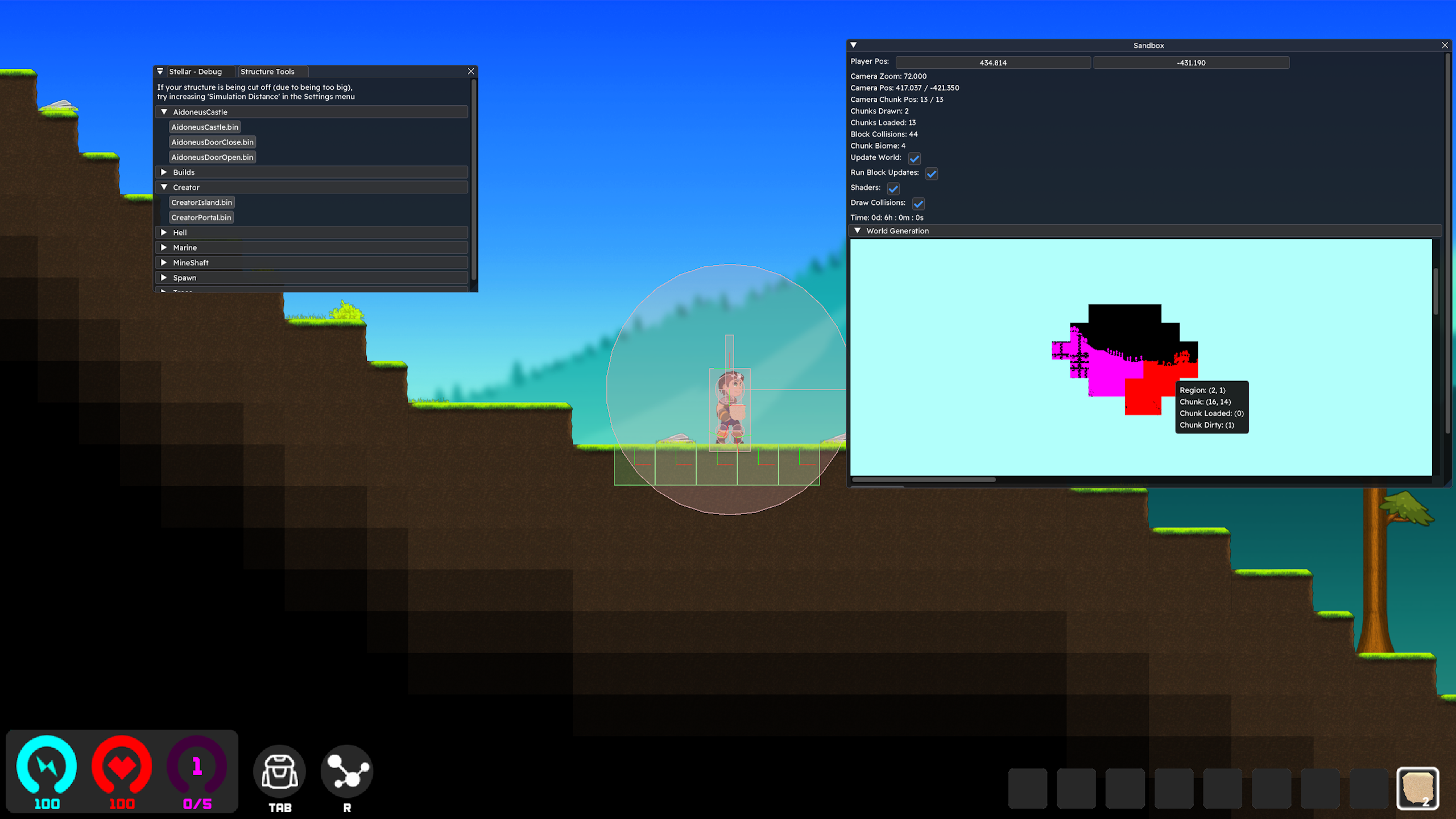 Being able to quickly whip up a tool to debug a feature or see something visually in a few minutes is something I’ll never take for granted again.
Compared to Niva where the debug overlay had to be written manually (without ImGui)
Being able to quickly whip up a tool to debug a feature or see something visually in a few minutes is something I’ll never take for granted again.
Compared to Niva where the debug overlay had to be written manually (without ImGui)
Things to improve
Mostly taken from my GitHub
The AssetManager here is more of a utility that loads assets in one liners. While this is useful, nothing actually unloads any asset… ever… so once an asset has been loaded, it’ll stay loaded until shutdown. The games we made were also small enough that this never mattered but we started hitting the limits with Godbreak as we had multiple HD backgrounds and spritesheets at the same time. I already have an idea on how to manage this but I’m torn on if I should leave the framework as is as a sort of code screenshot or try to make it the best I can.
GameStates have a small oversight which depending on how you use them could be quite annoying. You can only have one active at a time, it would’ve been better to use a stack of sorts where events propagate through them so you could have a debug layer, a UI layer, game layer etc. Again the framework was made when only one GameState was ever needed so this was never required.
Precompiled headers! I vaguely heard about them before making the framework but didn’t know how to use them quite yet (I know a lot more now!). They can speed up compilation which if you’re adding a ton of .h/.cpp files can sometimes take a few minutes.
Settings are bit annoying to add and set, you have to add them in multiple areas and write multiple lines of code to set some settings. It’d be best to have functions to set the settings and call the necessarry code instead of having direct access to the variables.
By the way, as of July 2026, the framework’s code is a little more than a year old so there may be mistakes/design flaws that I wouldn’t make today.
Conclusion
To be honest, I really liked creating this small framework. Even though this might sound/look laborious, I liked having to take things into consideration about how something could/should be used etc. I had already taken interest in game engines by the time I started writing it but I think it cemented the idea of me liking to work them. For Godbreak, I had to create a custom editor (which also used Stellar) so we could design and create procedural structures in the game. I loved showing the editor to my teammates, explaining them how to use it and also showing them how easily it integrated into the game. Even though I love coming up with ideas for games or gameplay mechanics, part of me still loves making “systems” or coming up with file formats or just making tools in general.